Your favorite reciters
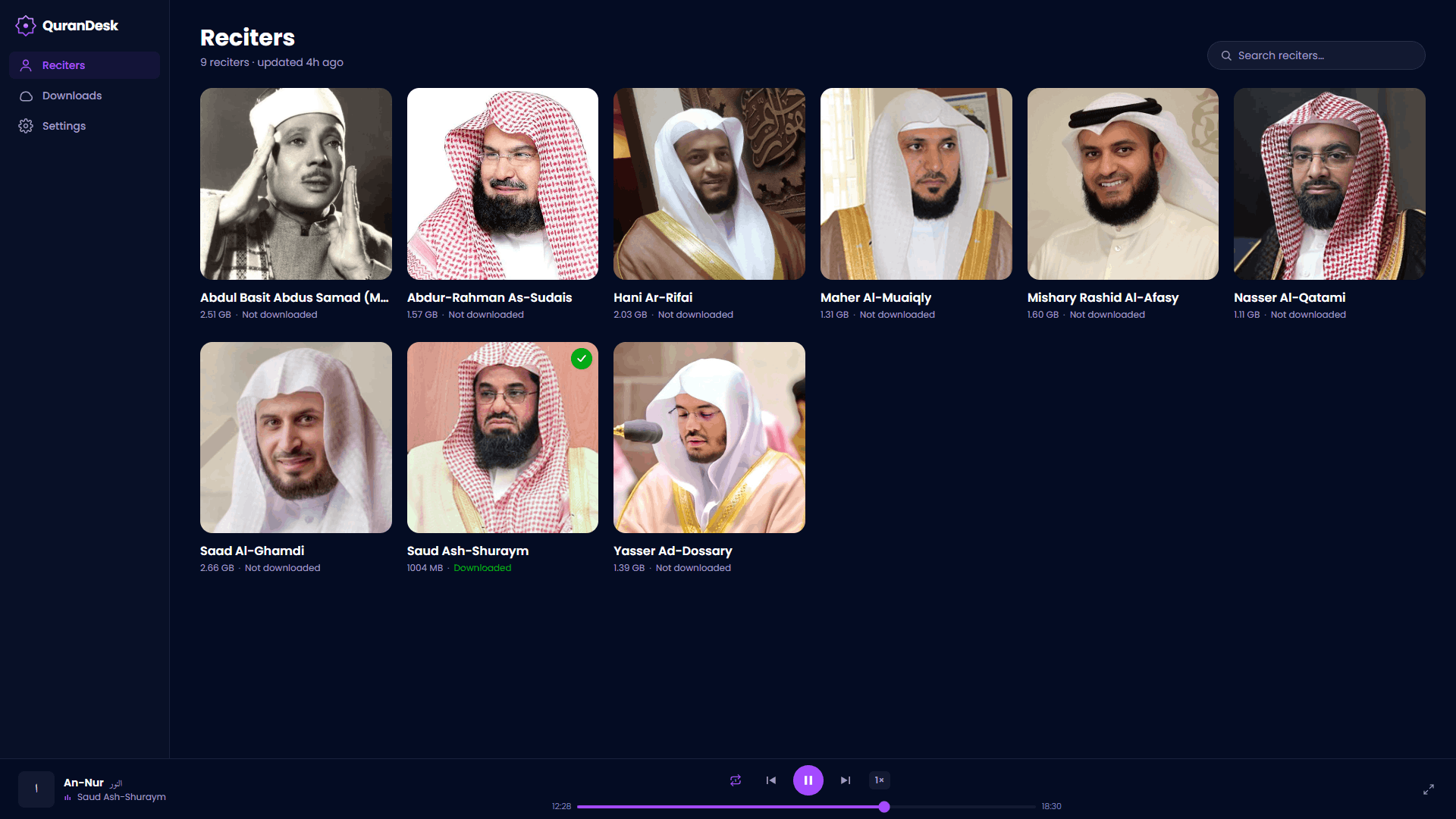
Browse and play complete recitations from many reciters.
Qur'an recitations, offline
Listen to complete recitations from your favorite reciters. Download once, then play offline on any device.

Why people love it
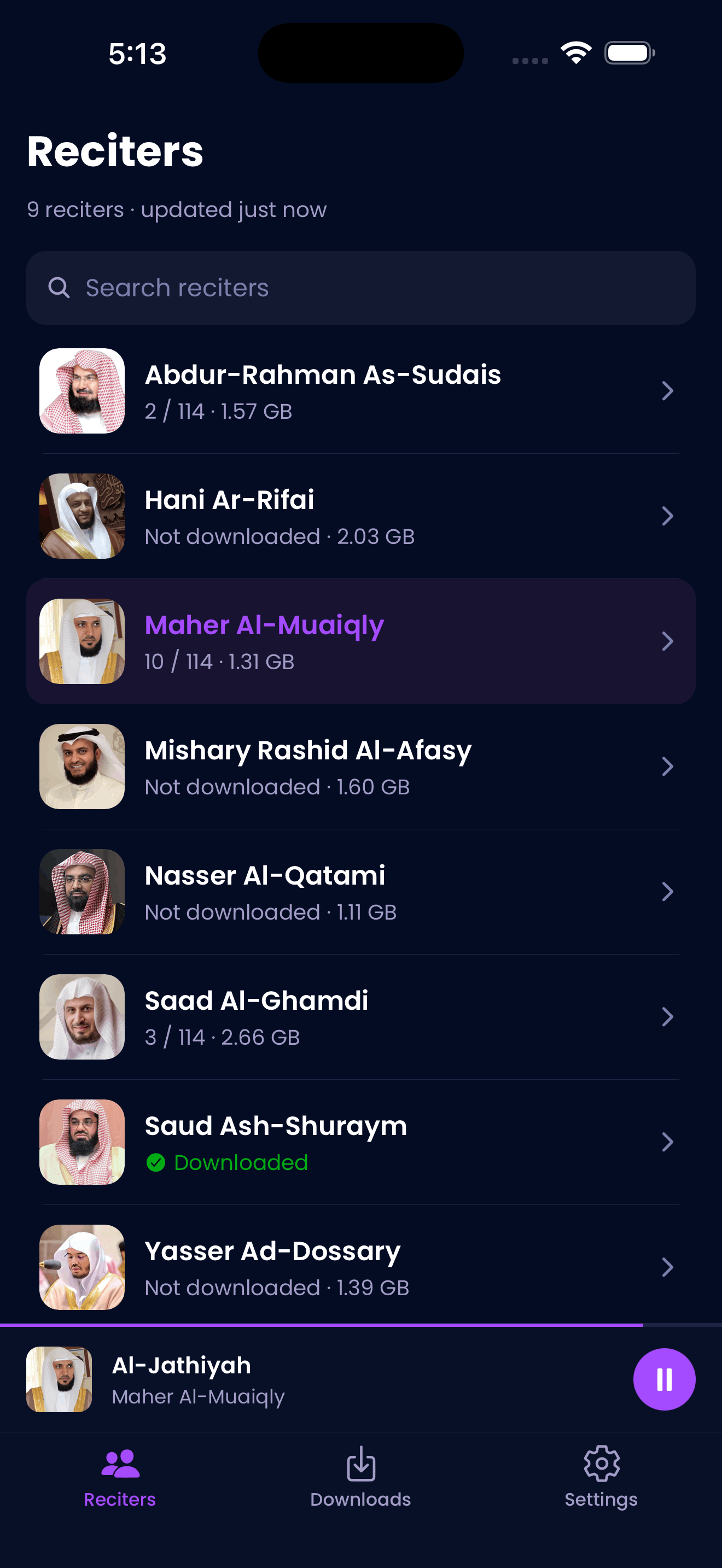
Browse and play complete recitations from many reciters.
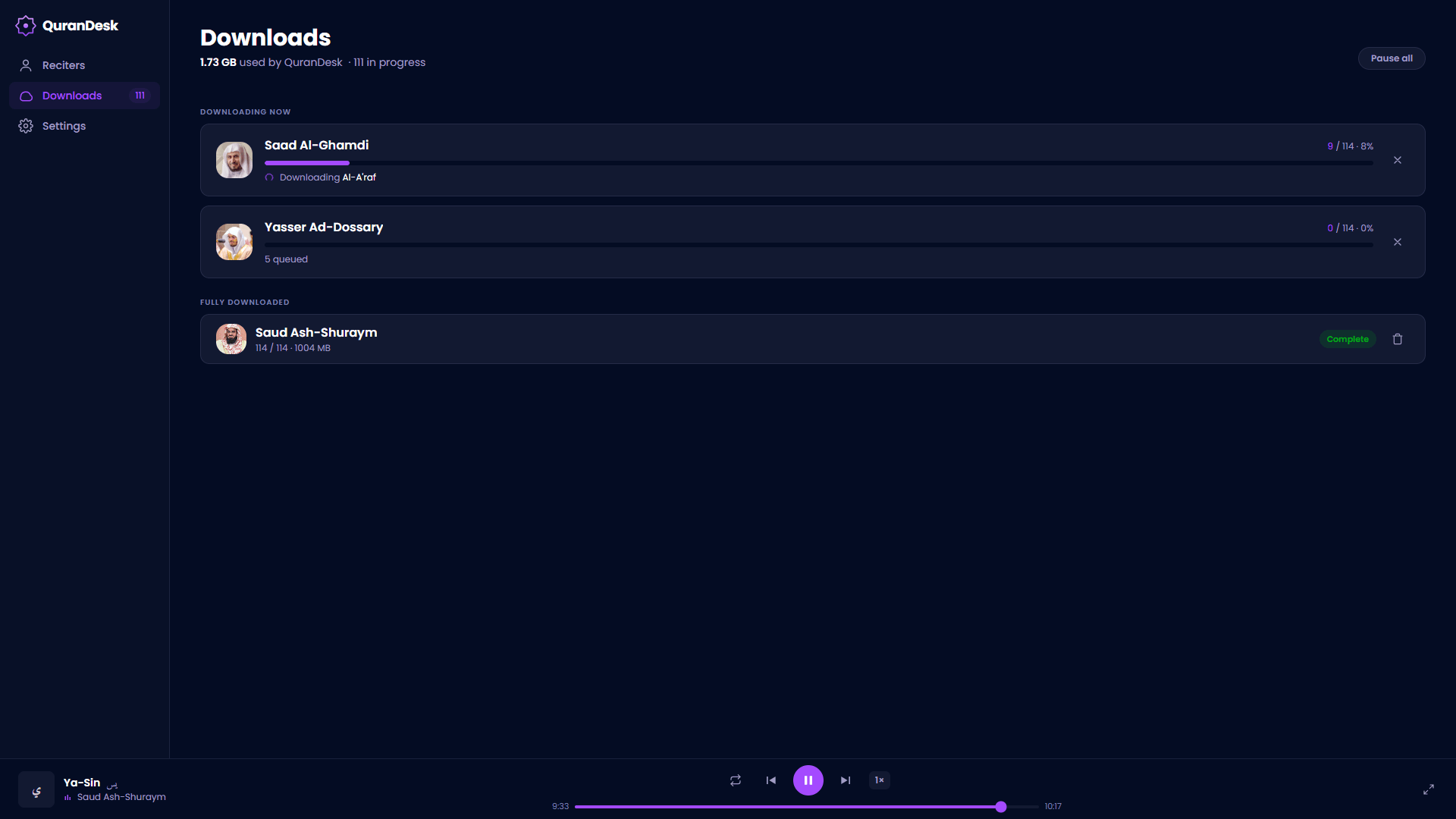
Download once and listen anywhere — no signal needed.
It remembers your spot and keeps playing.
Windows, Mac, Linux, Android, and iPhone.
No ads, no accounts, no tracking.
Easy on the eyes, day or night.
A closer look
Downloads
Free on every platform.
For Windows, Mac, and Linux.
For 64-bit Windows PCs.
Download for WindowsFor Apple Silicon Macs.
Download for macOSPortable AppImage for most distributions.
Download for LinuxFor Android, iPhone, and iPad.
Get it on Google Play.
Get it on Google PlayDownload on the App Store.
Download on the App StoreLooking for every installer? See the downloads page.
Private by design
Your listening stays on your device.
Read the privacy policyGood to know
Yes. Download a surah once, and it plays from your device anytime — no internet needed.
Completely. No ads, no subscriptions, no in-app purchases.
Windows, Mac, Linux, Android, iPhone, and iPad.